Press Kit
Feel free to cover GlitchCamera. All assets on this page (screenshots, icon, and copy) may be used as-is for the purpose of introducing the app.
Fact Sheet
| App name | GlitchCamera |
| Platform | iOS (iPhone) |
| Price | Free (In-App Purchase: GlitchCamera Pro, one-time $2.99 / ¥500) |
| Requires | iOS 17.0 or later |
| Developer | Daisuke Tsukada — dsgarage (dsgarage.jp) |
| Status | Public beta on TestFlight / App Store launch upcoming (approved by App Review) |
| TestFlight | testflight.apple.com/join/JEue7pcS |
| Contact | dsgarage@gmail.com |
Short Description (one-liner)
Shoot the singular points of the world, in glitch. A glitch-art camera that tracks corner-detection feature points and burns constellations and glitch effects into your footage in real time.
Long Description
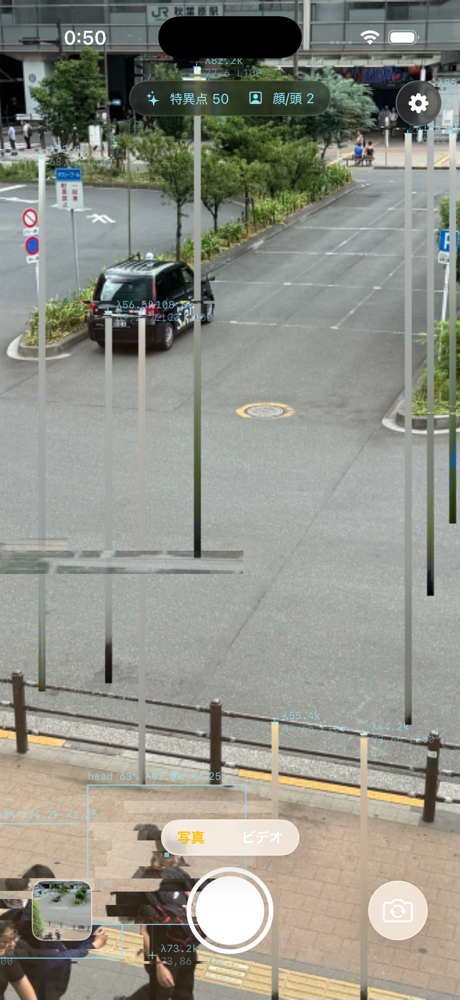
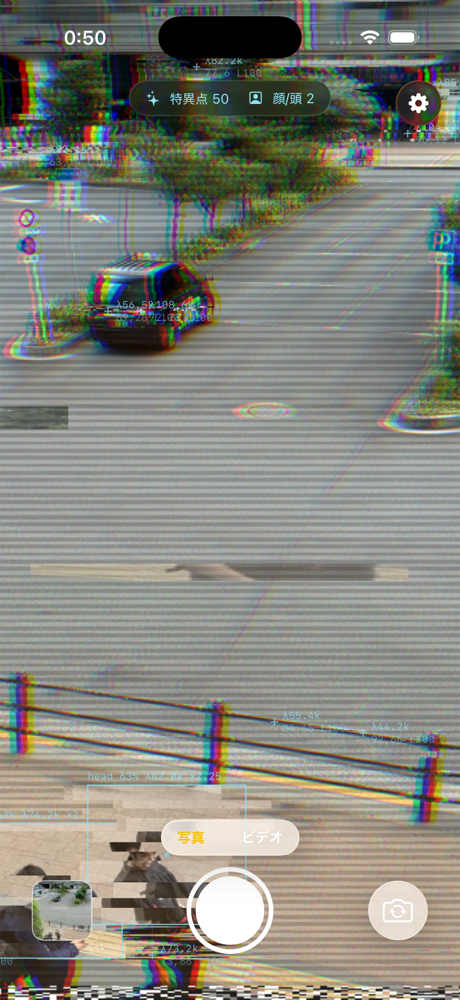
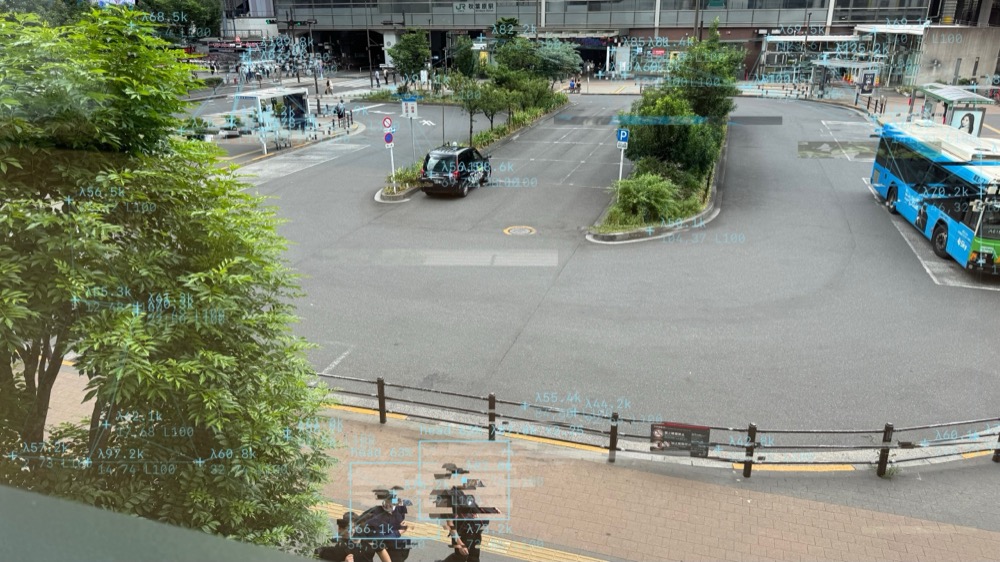
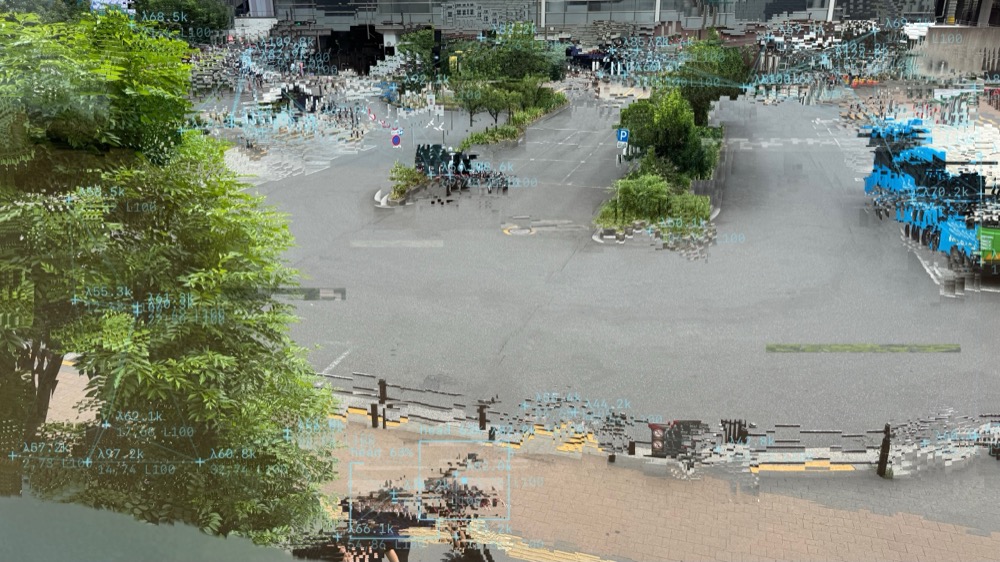
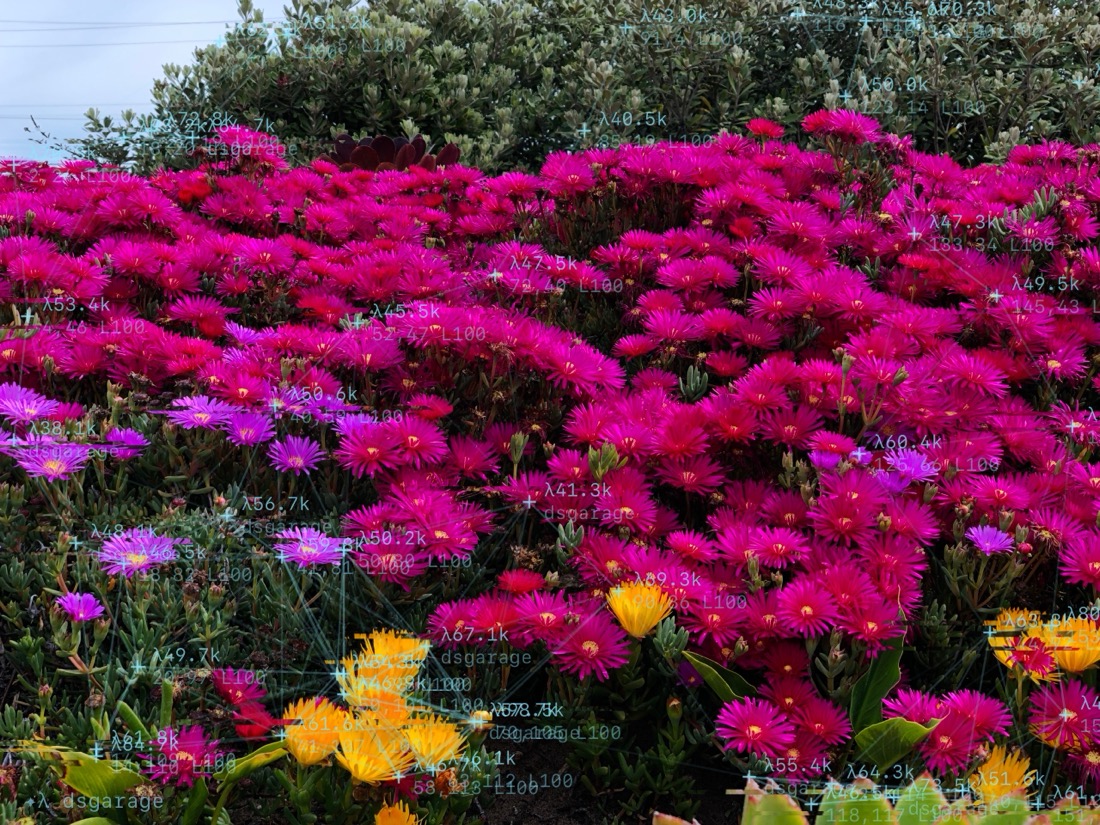
GlitchCamera turns what computer vision "sees" into art, straight from the camera. Shi-Tomasi corner detection tracks the singular points of the scene in real time, joining ✦ markers with link lines like a constellation across the frame. Detection parameters (λ, coordinates, life) are stamped onto the image as labels, while face glitch, blank-area glitch, digital rain, pixel sort, and datamosh effects are burned in the moment you press the shutter. It also offers ambient audio that transforms recording noise into ambient-music-like sound, effect-free original capture, and conversion of existing photos from your library. All processing happens on device — no data collection.
Feature Highlights
- Singular-point constellation — real-time Shi-Tomasi corner detection with λ labels
- Face glitch / blank-area glitch / fine glitch
- 4 post-process effects (noise / VHS / pixel sort / datamosh), seeded by the detected feature points
- Ambient audio — turns recording noise into ambient sound with reverb and drones
- Slide up on the shutter for an original (effect-free) shot; long-press to convert existing photos
- Save to Photo Library or an in-app album
- GlitchCamera Pro (one-time purchase): watermark removal, unlimited recording time, dual save, batch conversion
Icon
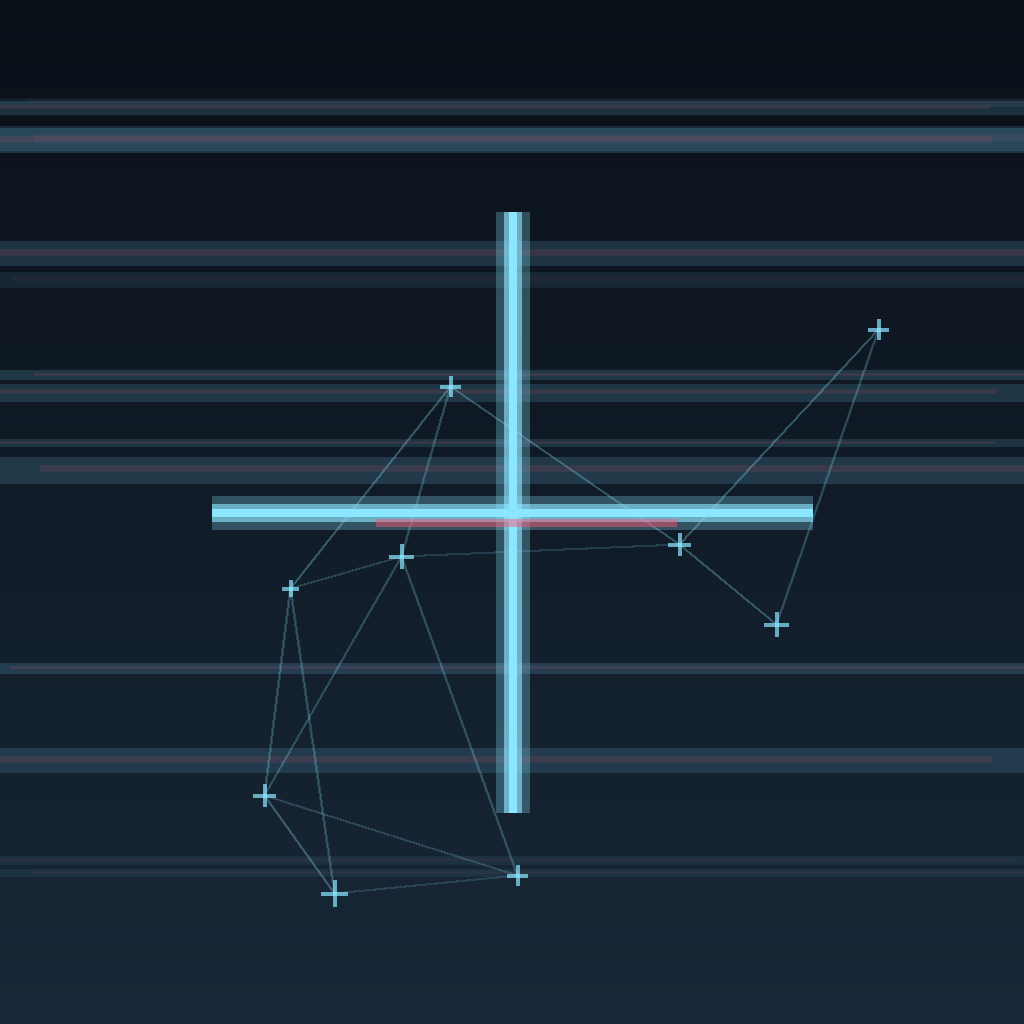
Download 1024×1024 PNG
Unmasked master asset. Please apply your publication's standard icon mask.
Screenshots
Click for full size. Please keep the original file names when saving.
Press Release (boilerplate)
Use as-is or edit freely. Launch date and App Store URL will be updated once the release date is set.
Shoot what computer vision sees: glitch-art camera "GlitchCamera" coming soon to the App Store
Independent developer Daisuke Tsukada (dsgarage) will soon release GlitchCamera, a glitch-art camera app for iOS. A public beta is available now on TestFlight.
GlitchCamera tracks the "singular points" of a scene in real time using Shi-Tomasi corner detection, and burns a constellation of ✦ markers and link lines directly into your photos and videos. Detection parameters (λ, coordinates, life) are stamped onto the image as labels, and effects such as face glitch, blank-area glitch, digital rain, pixel sort, and datamosh are applied the moment you shoot — no post editing required. The app also features ambient audio that transforms recording noise into ambient-music-like sound, effect-free original capture alongside the glitched shot, and conversion of existing photos. All processing happens on device, and the app collects no data.
GlitchCamera is free to download. A one-time purchase, GlitchCamera Pro ($2.99 / ¥500), unlocks watermark removal, unlimited recording time, dual save, and batch conversion. Requires iOS 17.0 or later (iPhone).
TestFlight public beta: https://testflight.apple.com/join/JEue7pcS
Press kit: https://www.dsgarage.jp/GlitchCamera/press/en/
Contact: dsgarage@gmail.com
Brand
| Name | "GlitchCamera" ("GlitchCam" is acceptable as an abbreviation) |
| Key colors | #8CE6FF (cyan) / background #05070A |
| Motifs | ✦ markers / λ labels / constellation |